Your profile page
Viewing your profile page
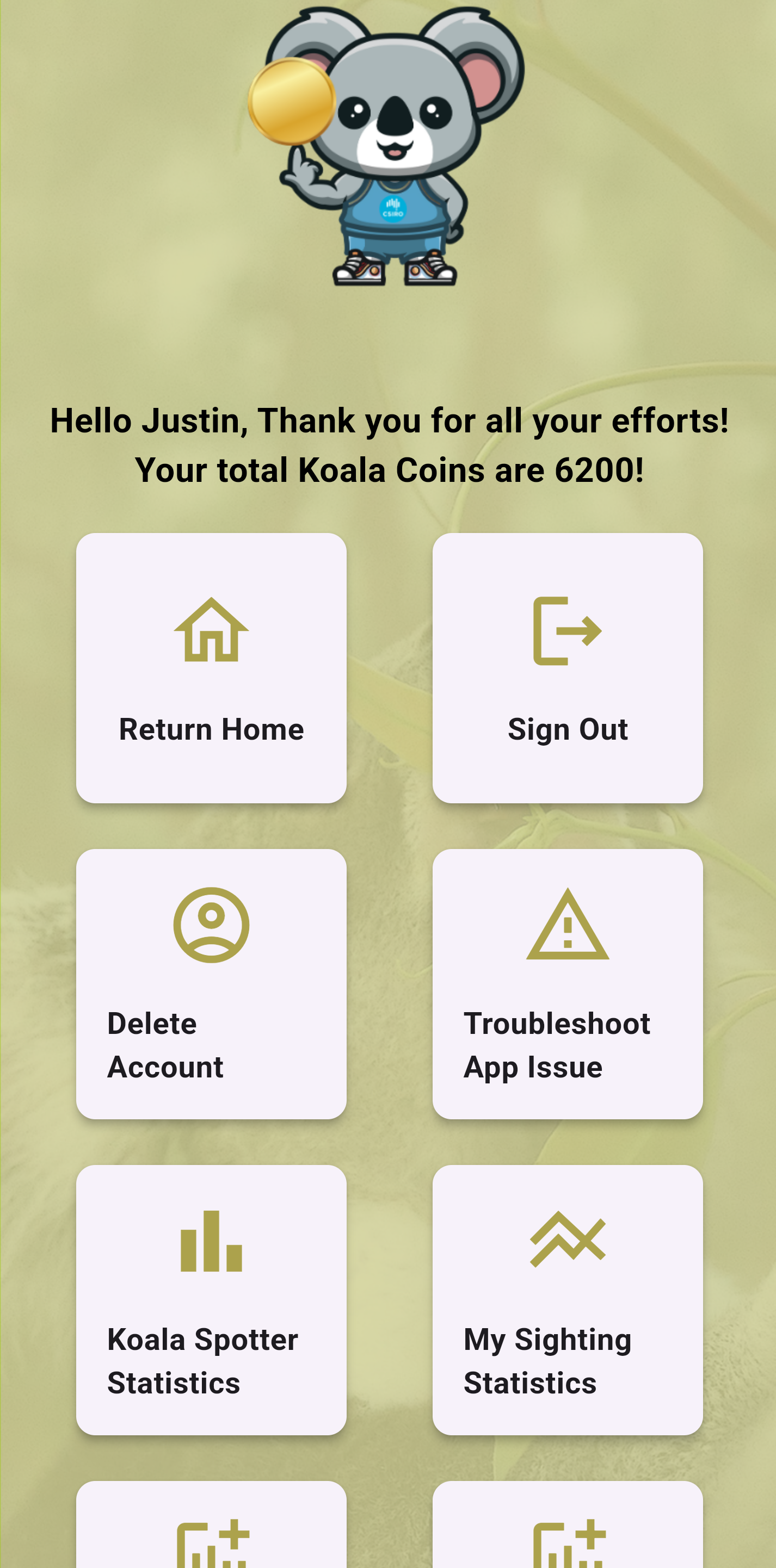
You can navigate to the profile screen from the home screen by tapping "Profile", the profile page has all types of useful features such as, viewing National Koala sightings, to viewing your sightings, removing your account and testing all functionaily of the app will work with your specific devices (e.g. - testing Bluetooth and GPS are working correctly).
Viewing your performance
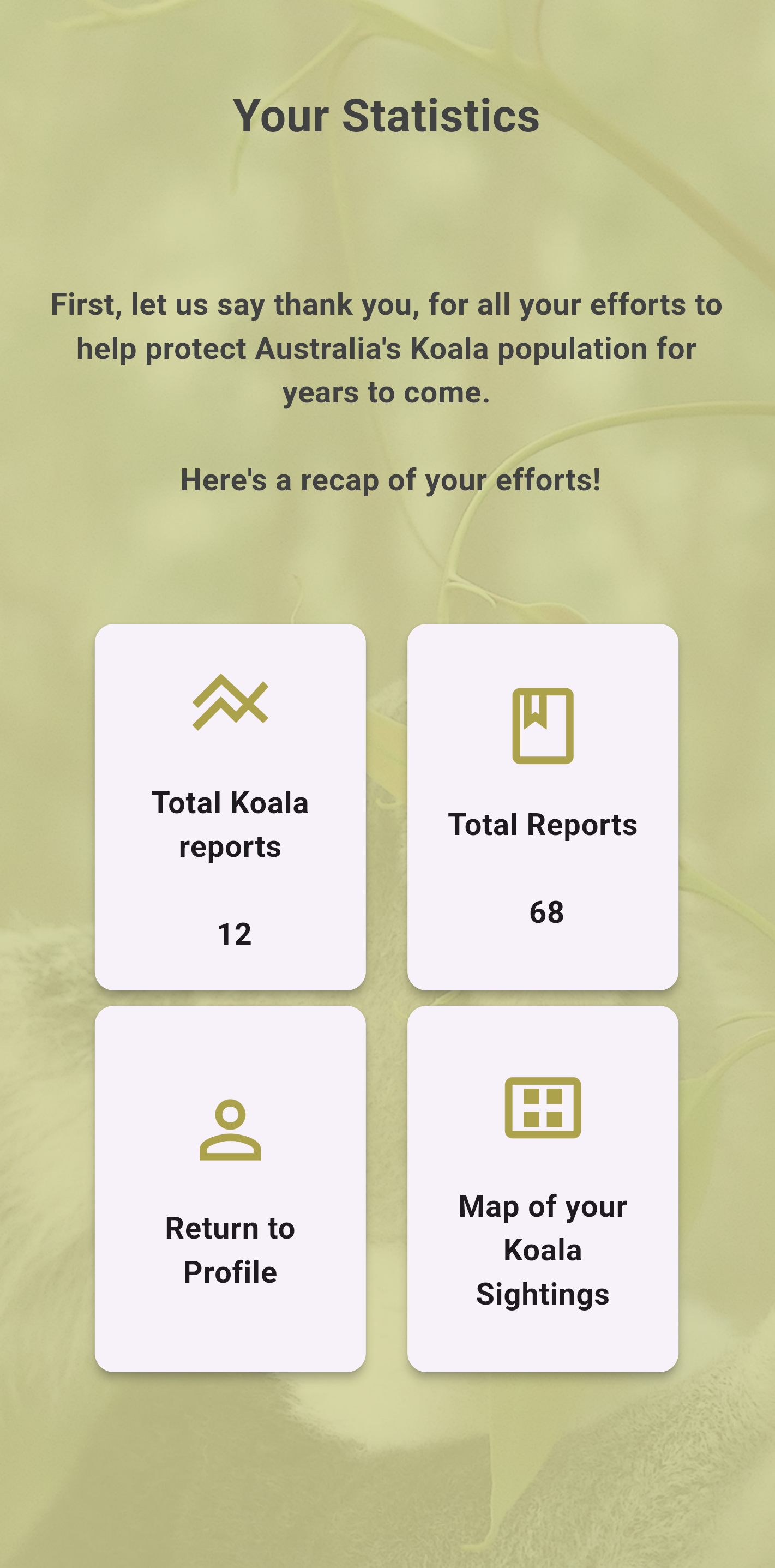
Navigate to the "My Sighting Statistics" screen to view counts pertaining to your last sightings:
Viewing National sighting statistics
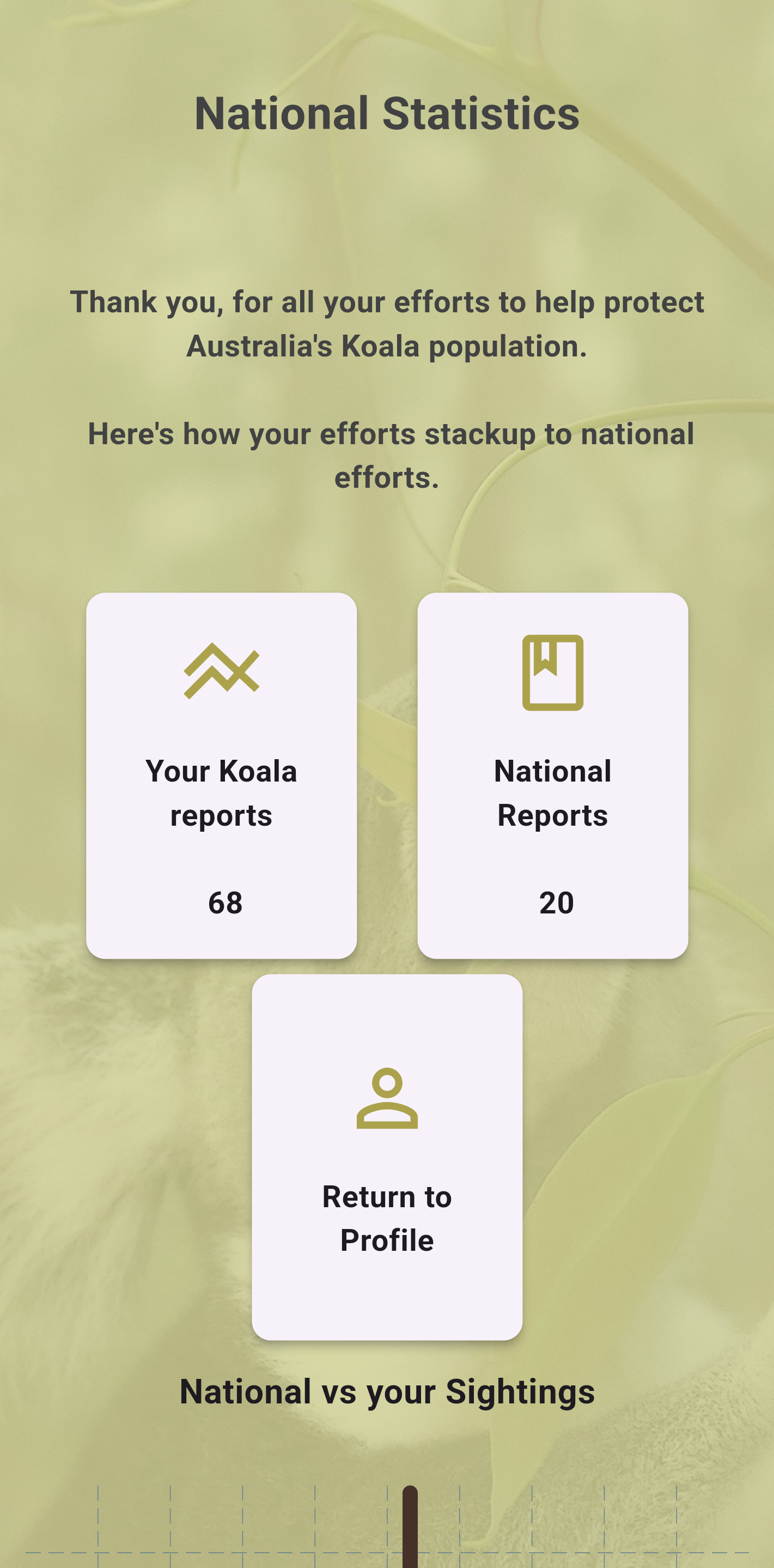
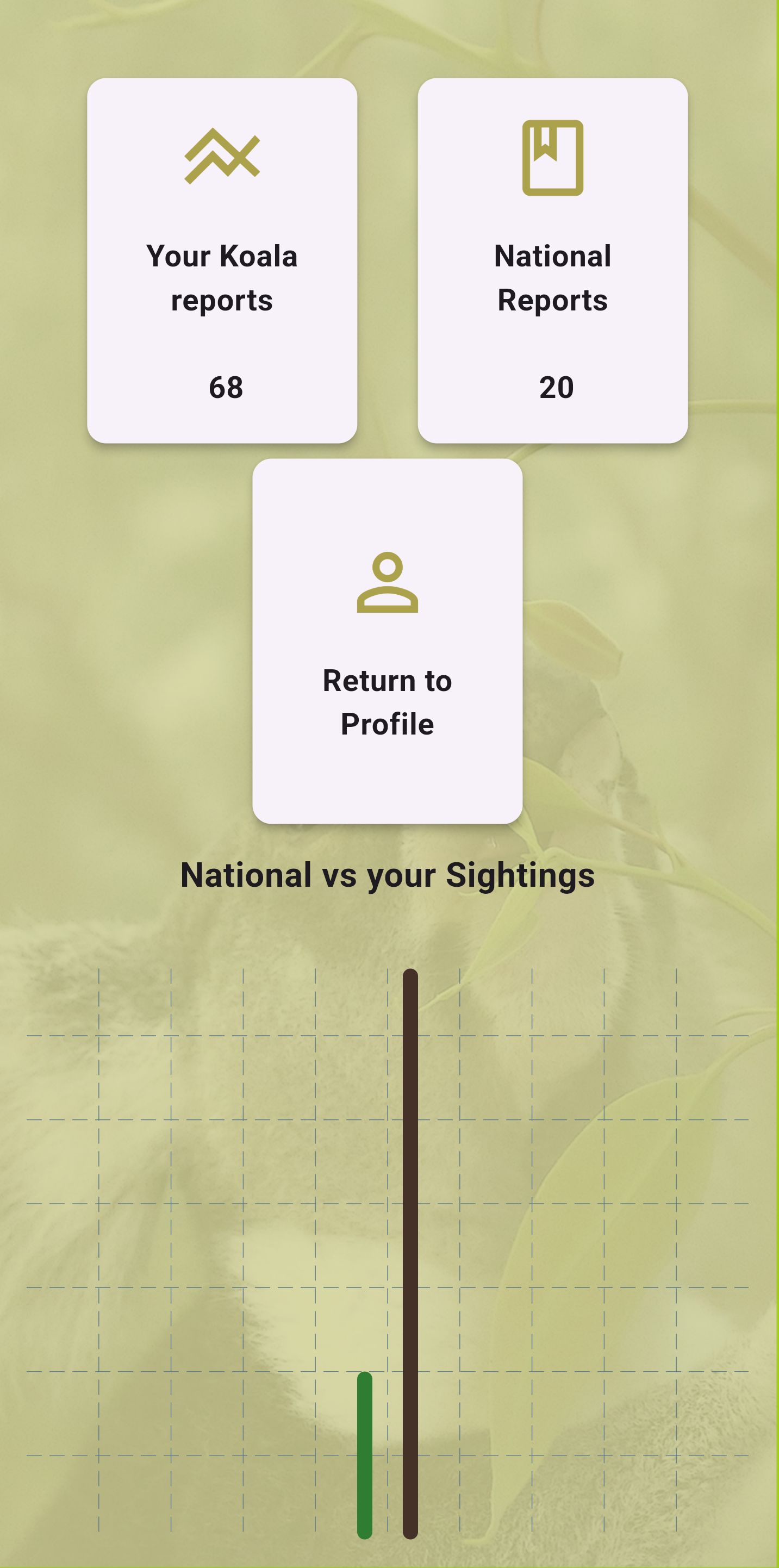
Scroll down to view National Sightings in a bar chart, you can tap the columns to see counts.
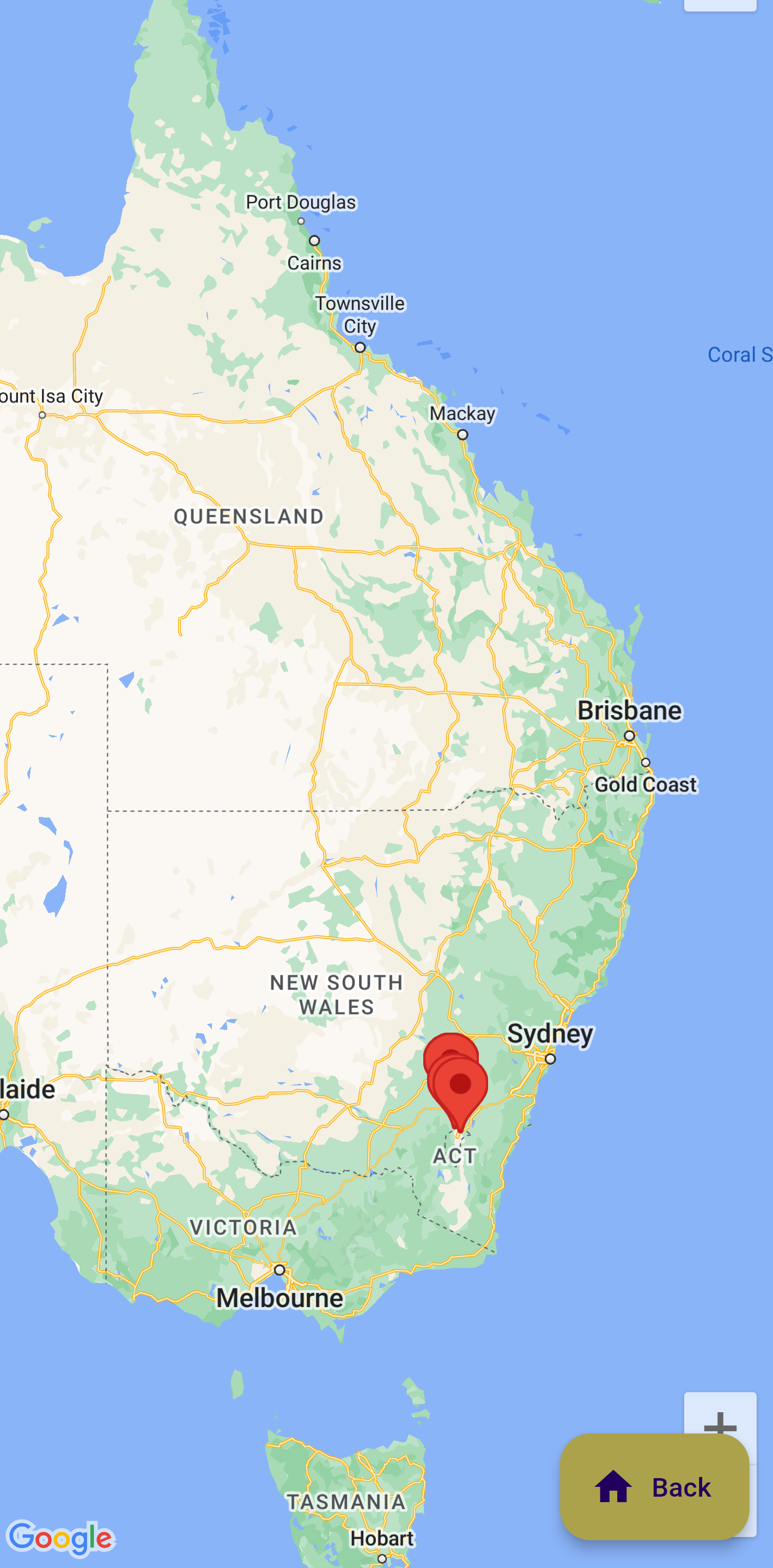
Navigate to the "National Koala Sightings" screen to view counts of National Koala sightings:
Information displayed on this map is for demo/illustration purposes only and may not be accurate.
Deleting your account
You will receive a popup dialog confirming if you wish to delete your account before it takes place.
You're in control at all times, if you wish to remove your account you can do so by selecting "Delete Account" from the profile page.