Submitting a sighting
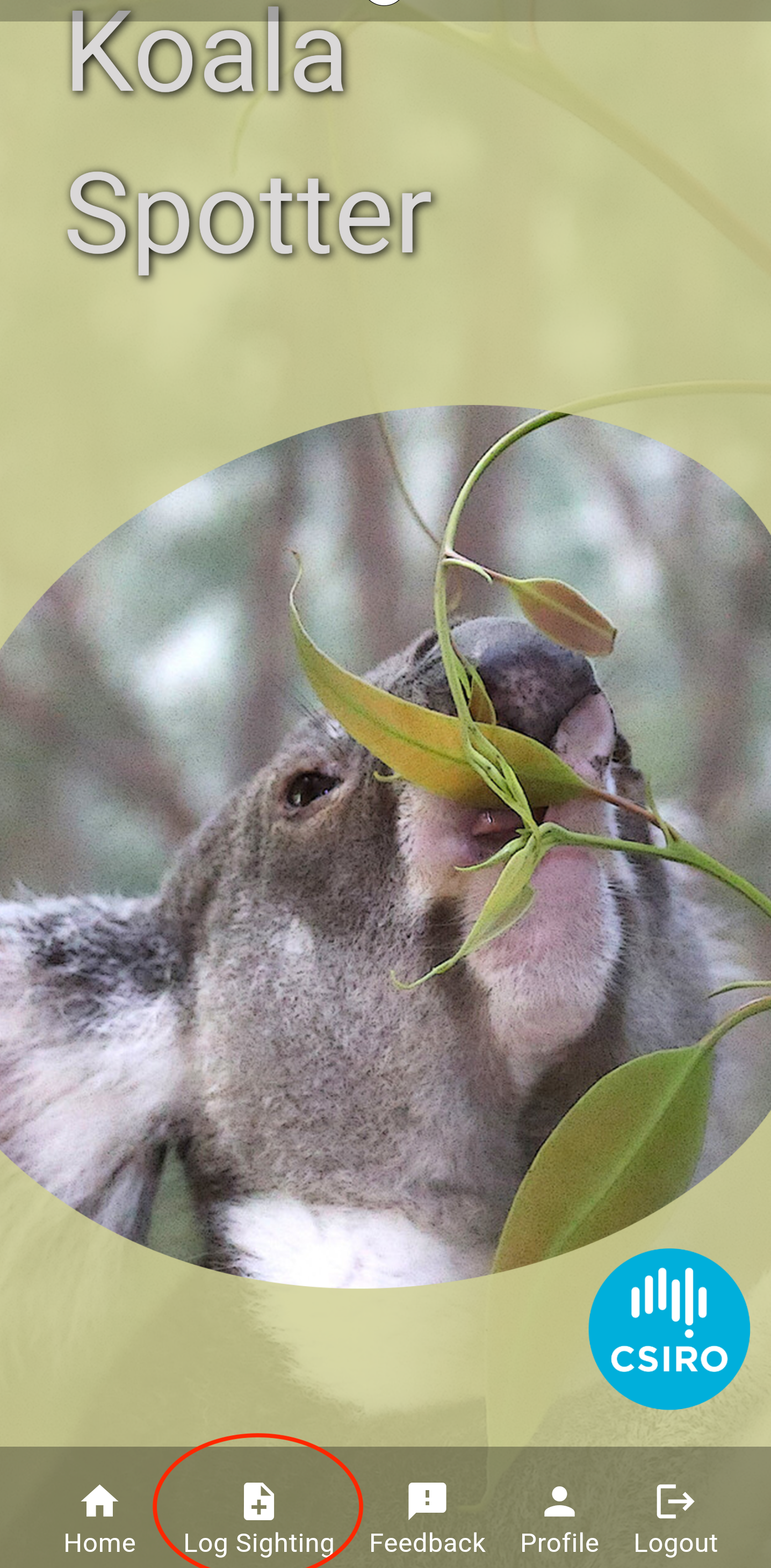
tip
Did you know you can submit a sighting or habitat assessment if you're offline? Simply submit as normal and when back in range or home on your WIFI network, simply open the app and allow the submission to be sent to us.
- Navigate to Log a sighting screen
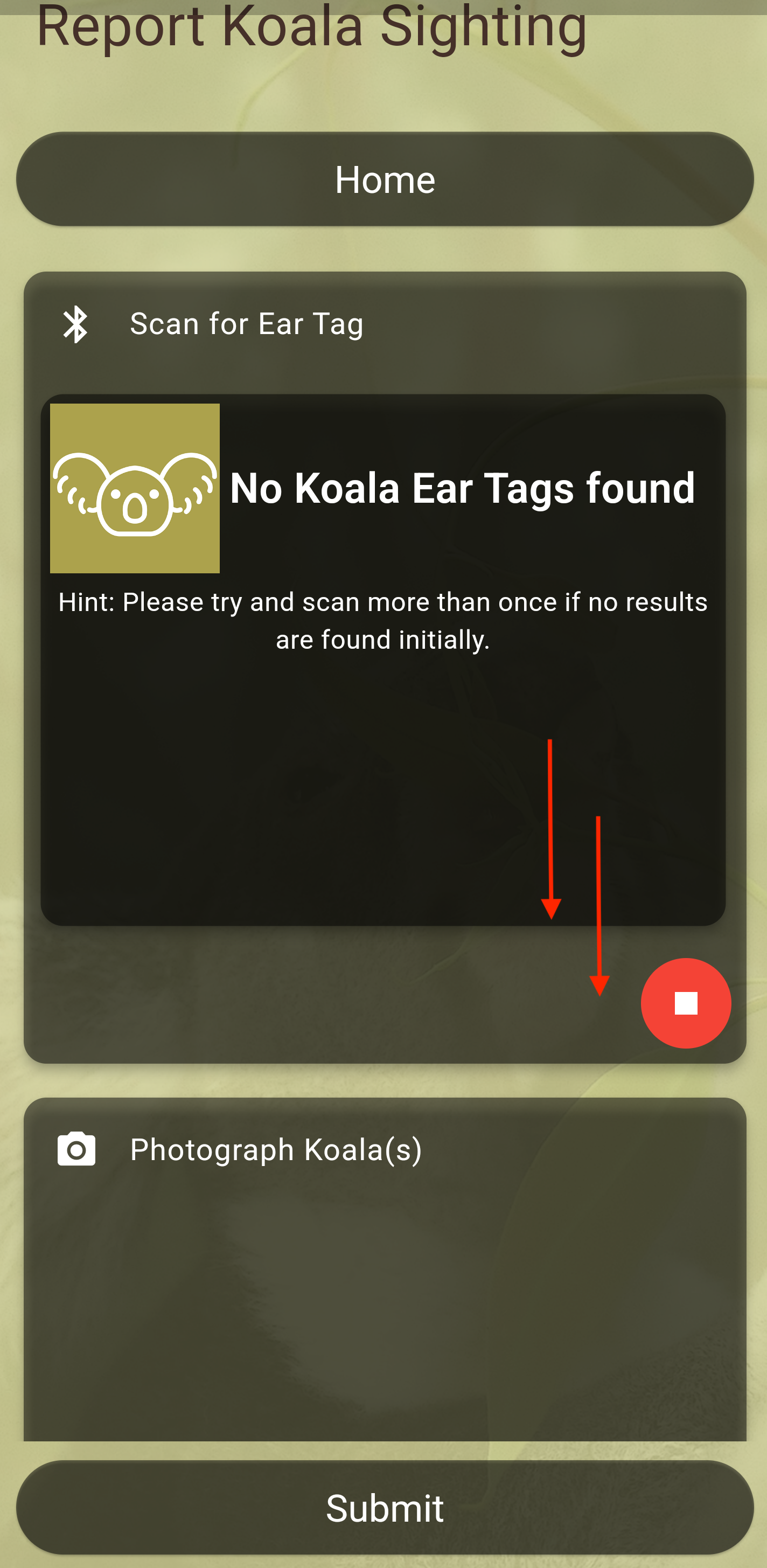
- Scan for any nearby koala tags then proceed to scroll down
- Indicate whether or not you are submitting a koala sighting or just a habitat assessment
note
All information is valuable, please do not feel that you cannot submit information if you did not locate a koala.
Please provide as much information as possible, please include photos, notes and any other useful information you may think will help.
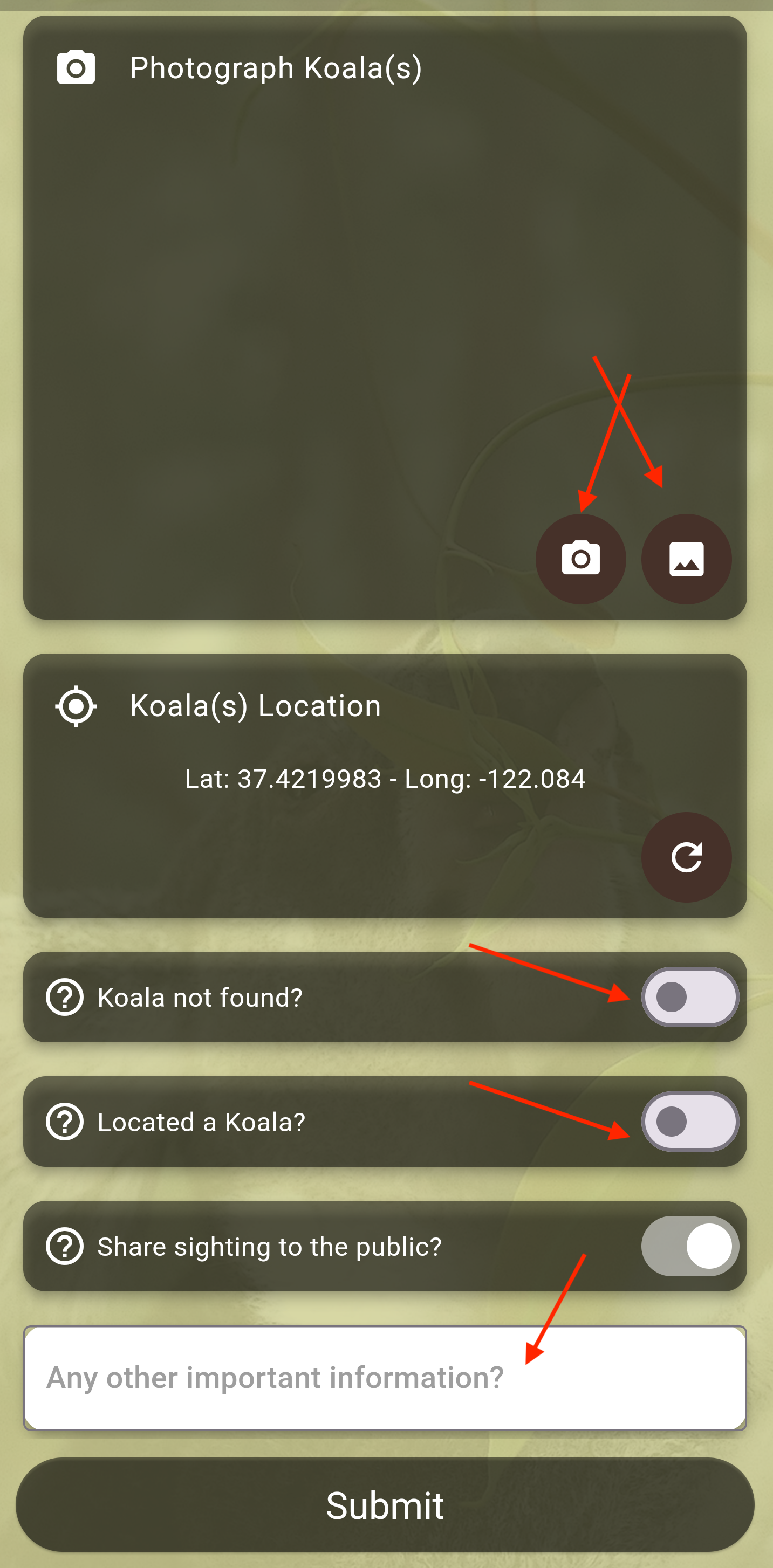
- Recording a koala habitat assessment - select "Koala not found?"
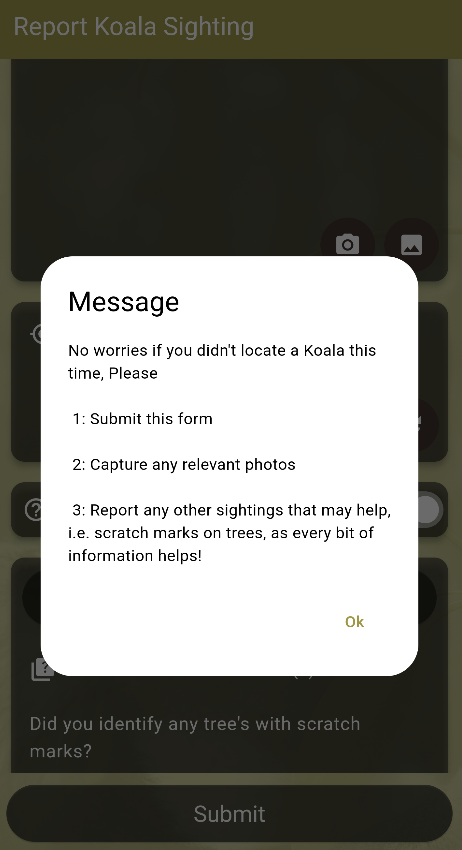
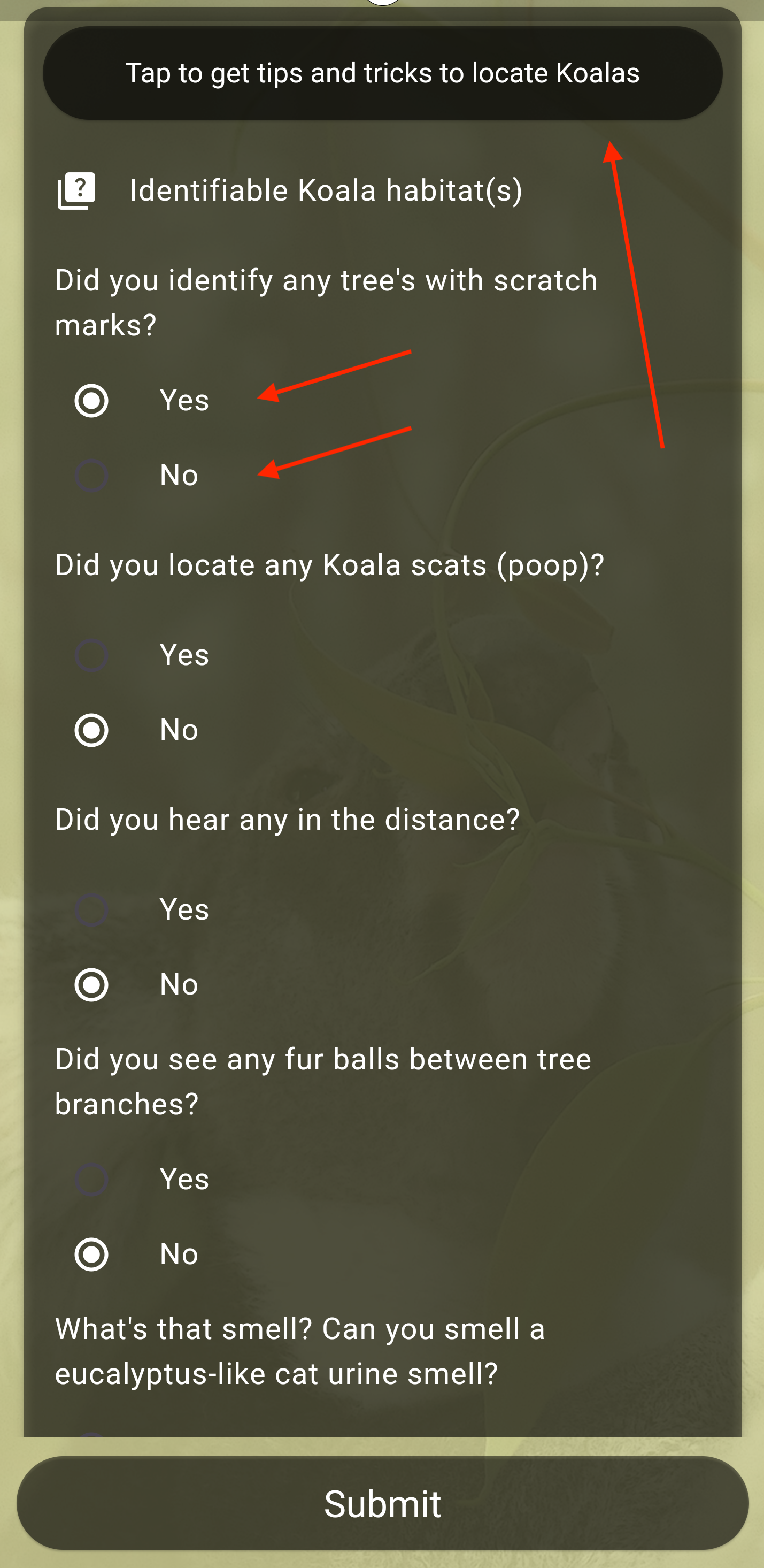
- Recording as much information as possible about the koalas habitat
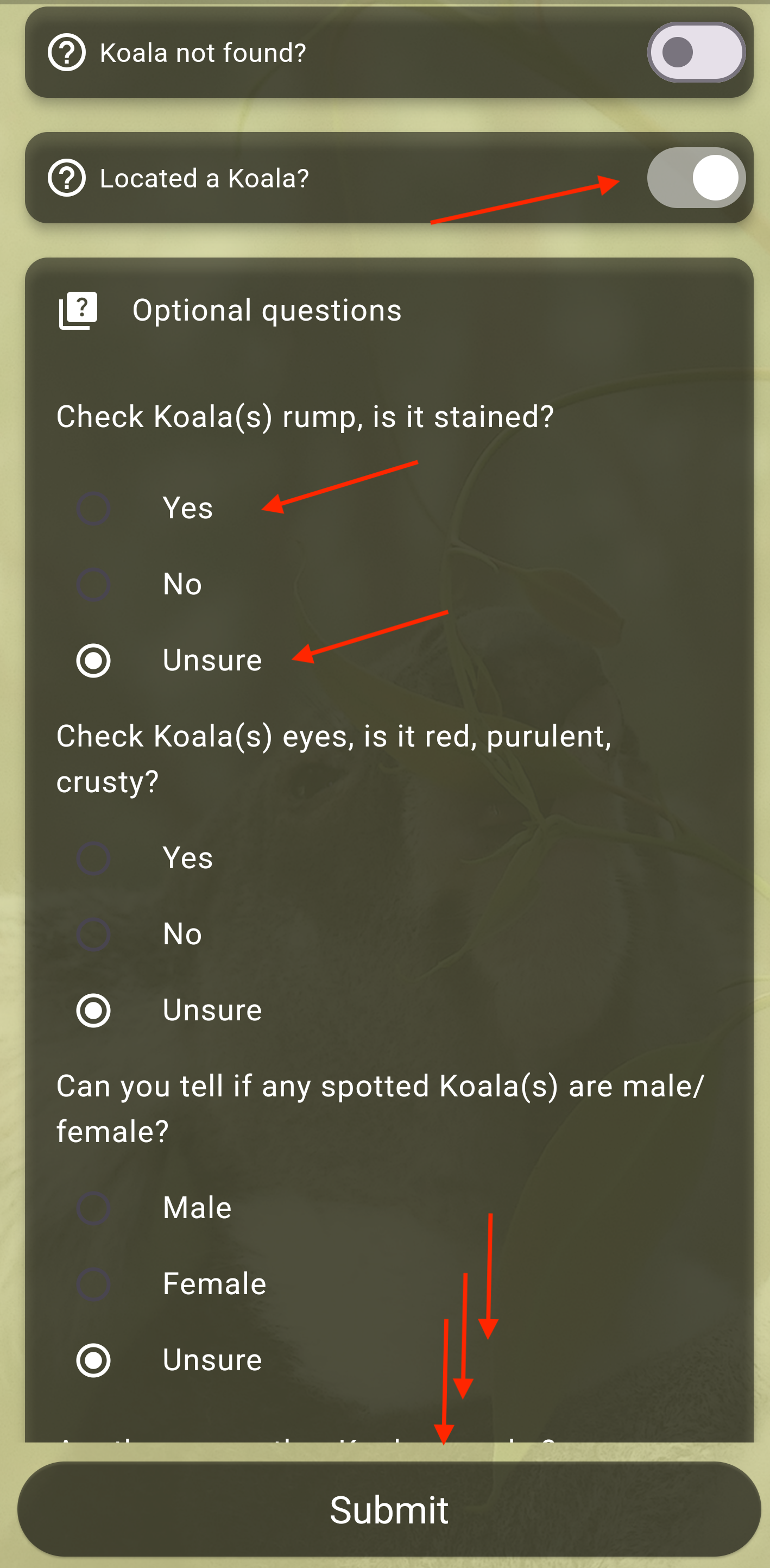
- Recording a koala sighting - please provide as much information as you can
info
No worries if the koala is hard to see or specific details aren't clear, just select "Unsure" where you are unsure on specifics.
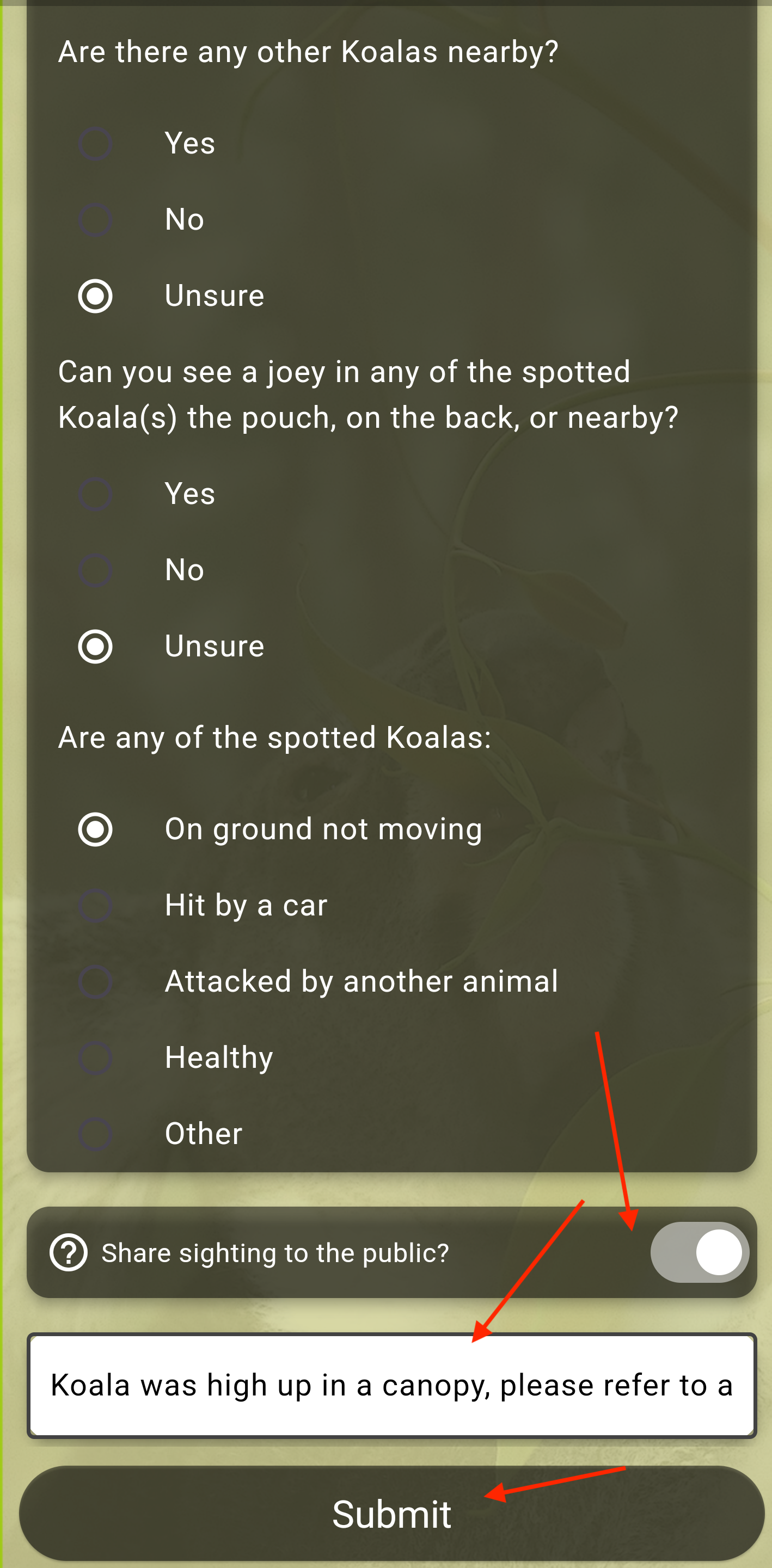
- Submitting the survey/sighting - once you are ready, please indicate if you wish to share this information nationally or not, this sighting will be recorded on our national map, with the location slightly skewed to protect you, property and koalas.
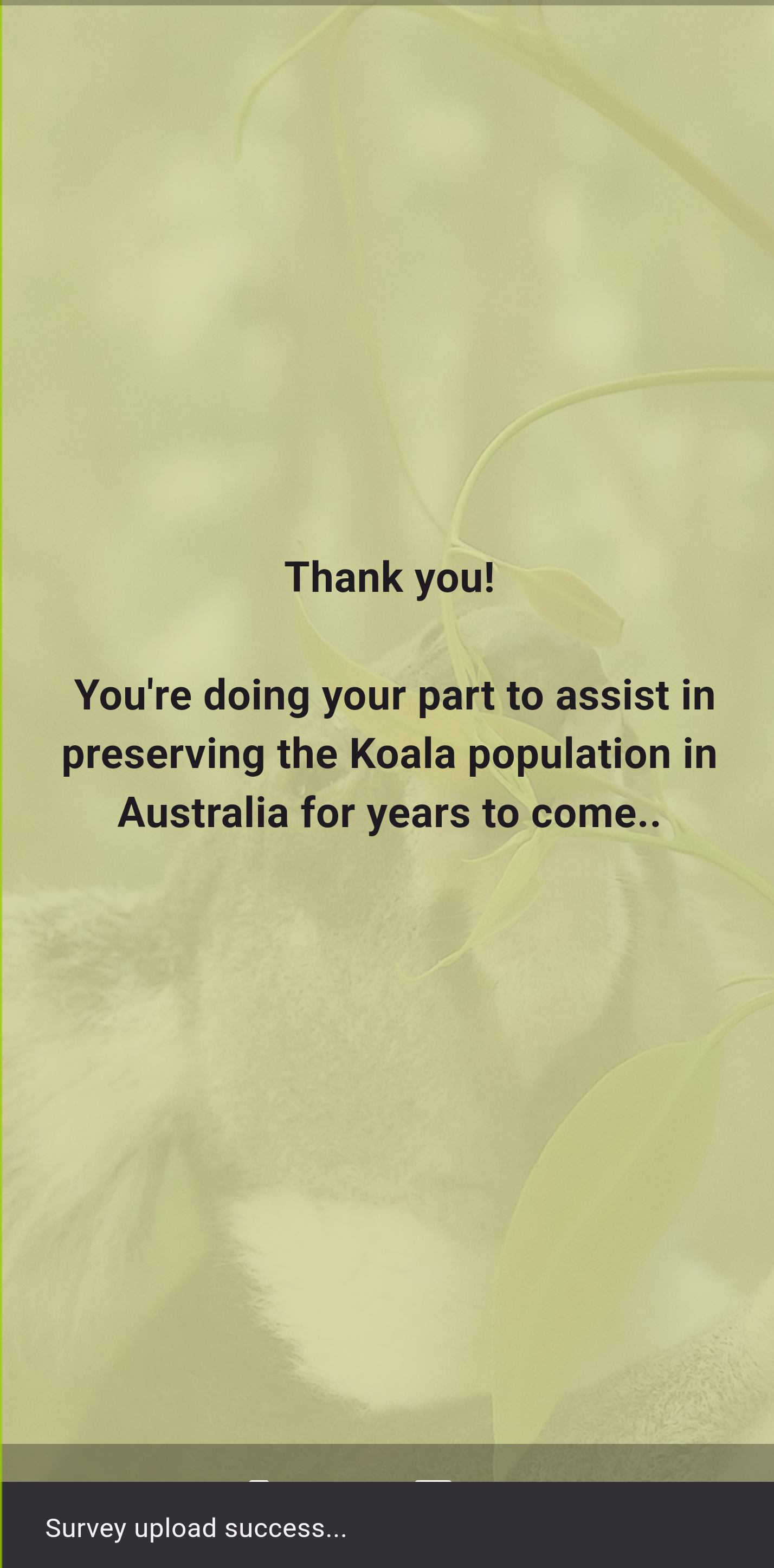
- Validate the sighting/habitat assessment was submitted successfully